
Level Crossings are intersections of roads and train tracks on the same level. They usually comprise boom barriers, flashing lights or both.
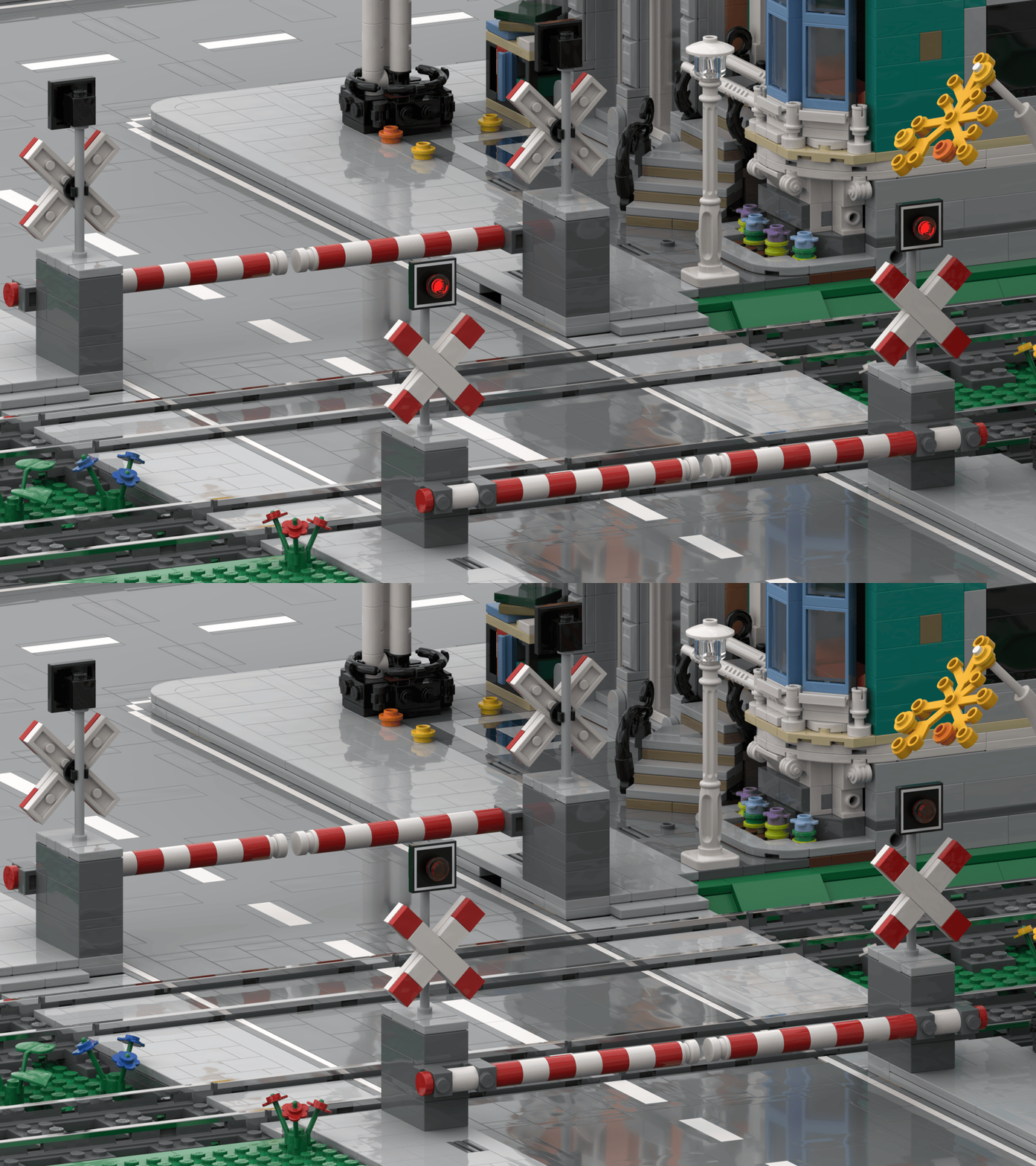
To get an impression of how this works, we have created a nice video about level crossings and how to control them in the MattzoBricks Train Automation System 2.0:
Enjoy!
Features
Level Crossings are controlled with a MattzoLayoutController. The MattzoLayoutController is a device that controls all kinds of components on the layout. Among them are also the things you need to level crossings, i.e. boom barriers, lights and sensors.
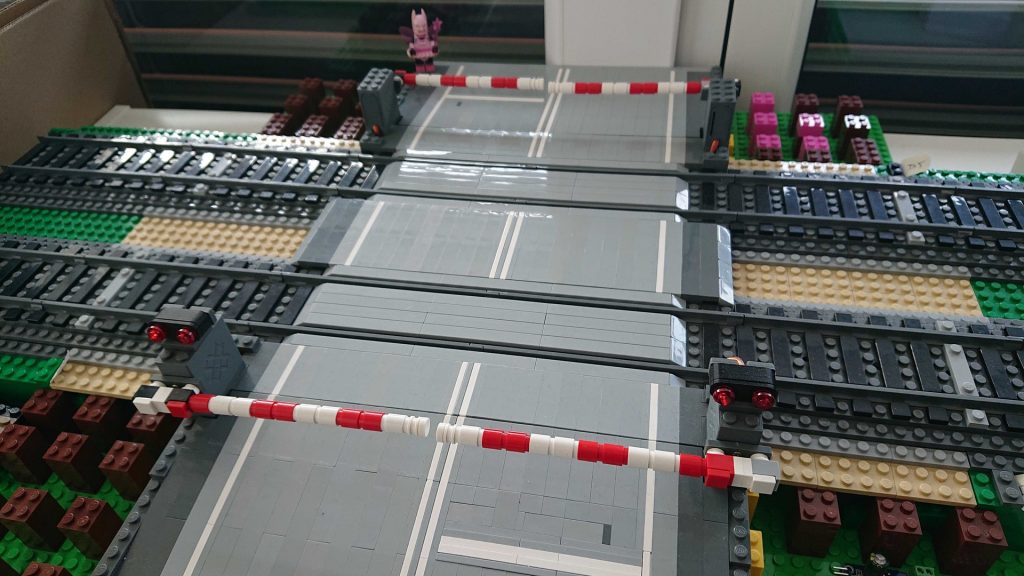
In terms of level crossings, the MattzoLayoutController has the following features:
- Works with Rocrail or autonomously.
- Support for primary and secondary booms.
- Secondary booms can be configured to close with a delay.
- All servo start and stop angles can be configured.
- Closing and opening speed of the boom barriers can be configured separately.
- Right hand and left hand road traffic configurable.
- Flashing lights with configurable speed.
- Configurable flashing or fading lights for enhanced realism.
- Intelligent, powerful and flexible train axle counting logic for autonomous operation.
- Works in an outstandingly large number of different track layout scenarios.
- Multi-track support.
- Virtual sensors for secure closing of barriers before train passes the level crossing.
- Support for various hardware deployment scenarios.
- Based on MattzoLayoutController firmware.
- Common codebase with other controller types.
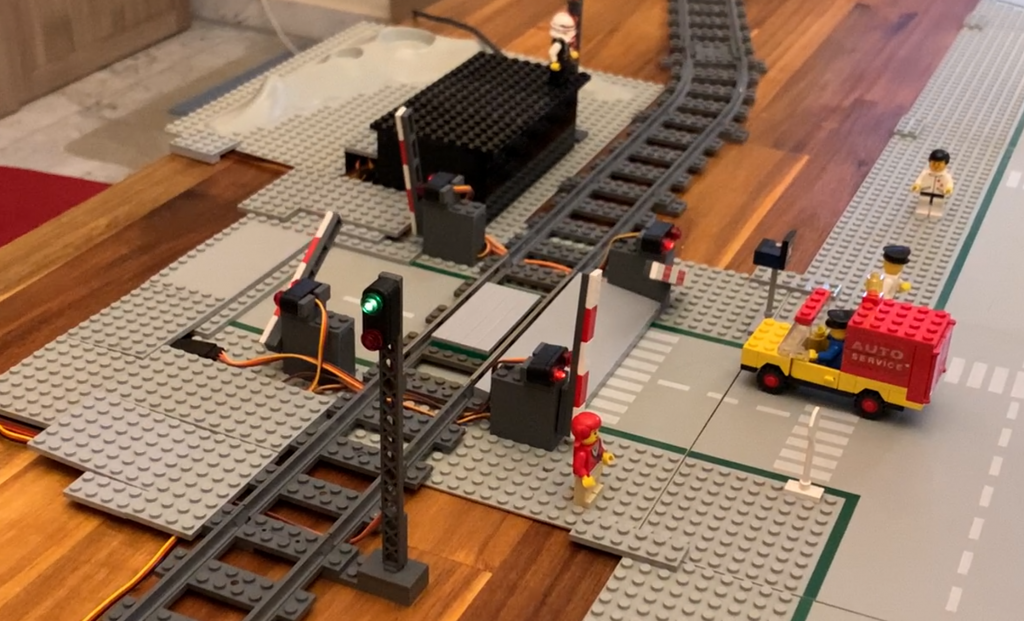
How to build level crossings
Learnings from other level crossing designs
There is a couple of some eye-catching, nice looking level crossing designs available on the internet.
The problem with almost all of these models is, that they can not be motorized and automated without significant alterations, while completely destroying their beautiful shape. For this reason, the motorisation strategy needs to be one of the initial key design drivers when designing beautiful and functional models.
Another typical problem is, that many models do not integrate into the MILS system, and can only be made MILS compatible with strong and tedious modifications.
The Mattzobricks level crossing design principles
Mattzobricks level crossings follow a set of clearly defined design principles to enable interchangeability, functionality, realism and automation:
- Comes on a MILS plate and is compatible with MILS.
- Width (= track length) is always 32 studs.
- The depth of the level crossing depends on the number of crossed tracks, and is 16 studs per crossed track (e.g. a double track crossing has a depth of 32 studs).
- Required track clearance is 2 studs (from sleeper to obstacle).
- 8 studs distance between tracks (standard track gap).
- Reduced gap track lines (e.g. 4 studs) are possible.
- Everything that belongs to the level crossing is connected on the MILS plate. Objects (like motors and barriers) might protude over the border of the MILS plates.
- Road keeps level all over the crossing to avoid complicated slopes.
- The railway track is one plate over the base plate.
- For motorization, Trixbrix boom barrier servo motors are used.
- For lights, Trixbrix level crossing lights or custom lights are used.
Following these principles, the following basic layout follows:
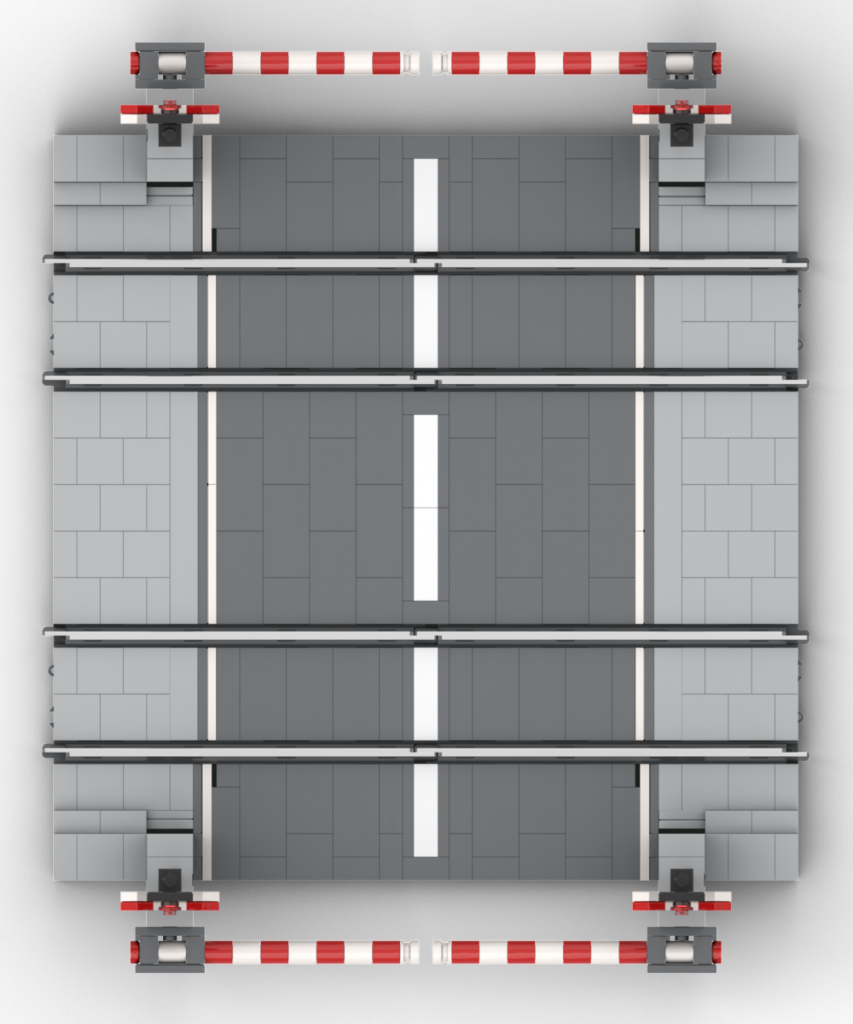
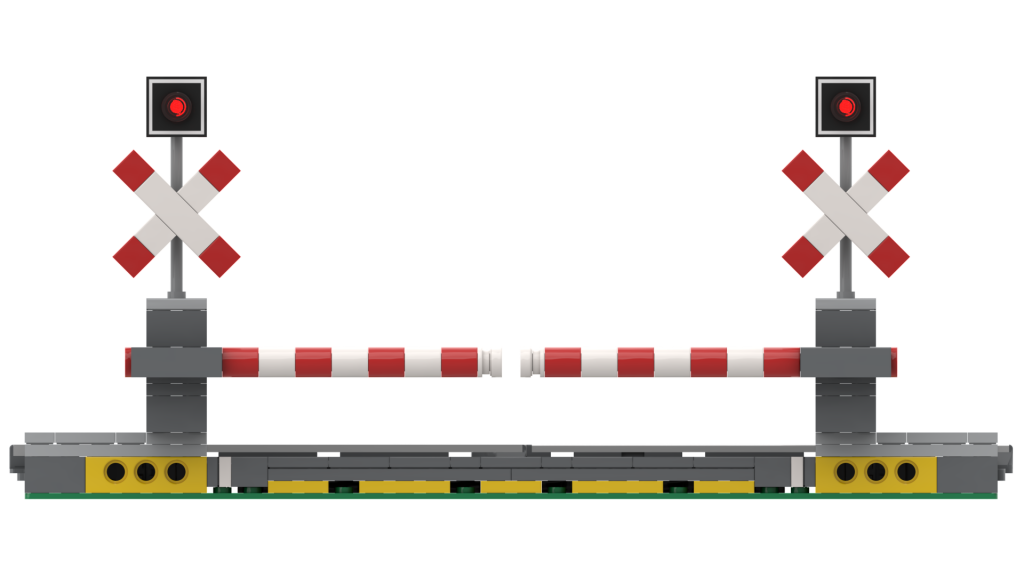
The overlapping parts reside on the neighbouring MILS street plate and integrate nicely into the city.
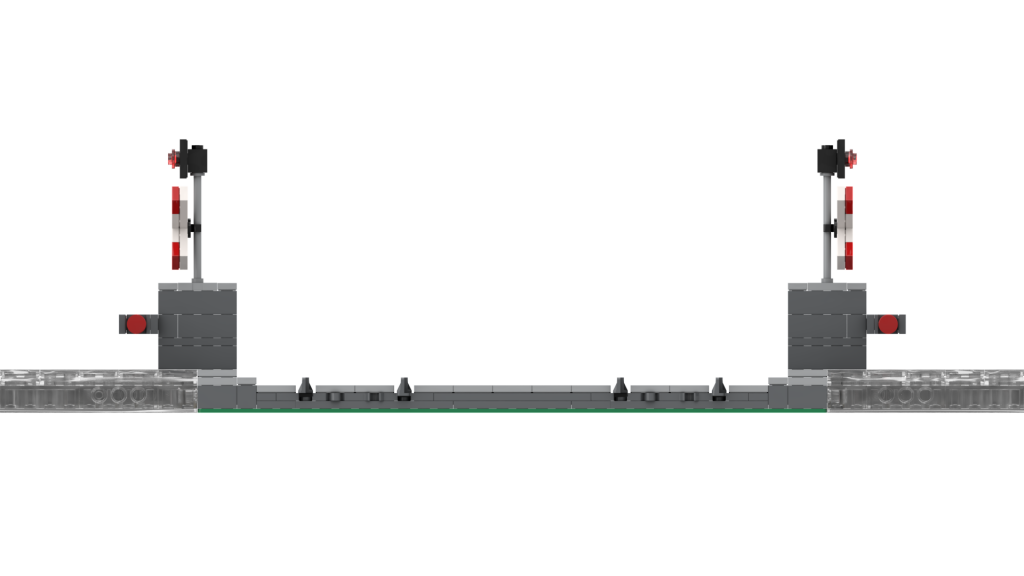
Mattzobricks level crossing designs
Design options
Based on the Mattzobricks general level crossing design, there are various options and variations:
- Number of tracks
- Usually 1 or 2.
- More a possible, but required a larger baseplate (16 studs / track).
- Track gap
- Usually 8 studs.
- Reduced gap allow more compact designs an/or no or less protuding objects over the MILS plate boundary.
- Lights
- No lights.
- Trixbrix lights.
- Custom lights.
- Boom barriers
- None.
- Yes, primary only (only on one road side).
- Yes, primary and secondary.
- St. Andrews cross (Andreaskreuz)
- Yes / no.
The following design examples are all double track crossings.
Plain Level Crossings
This building option has no movable parts or lights. It is easy to build and has almost no overlapping parts.
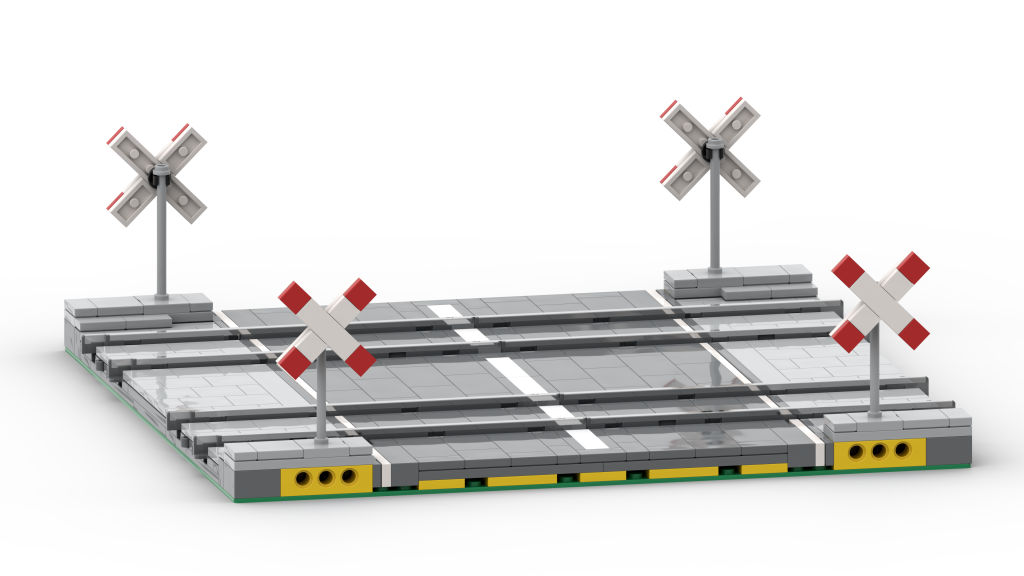
Level crossings with custom lights
This option has no barriers, but top lights over the St. Andrew’s crosses.
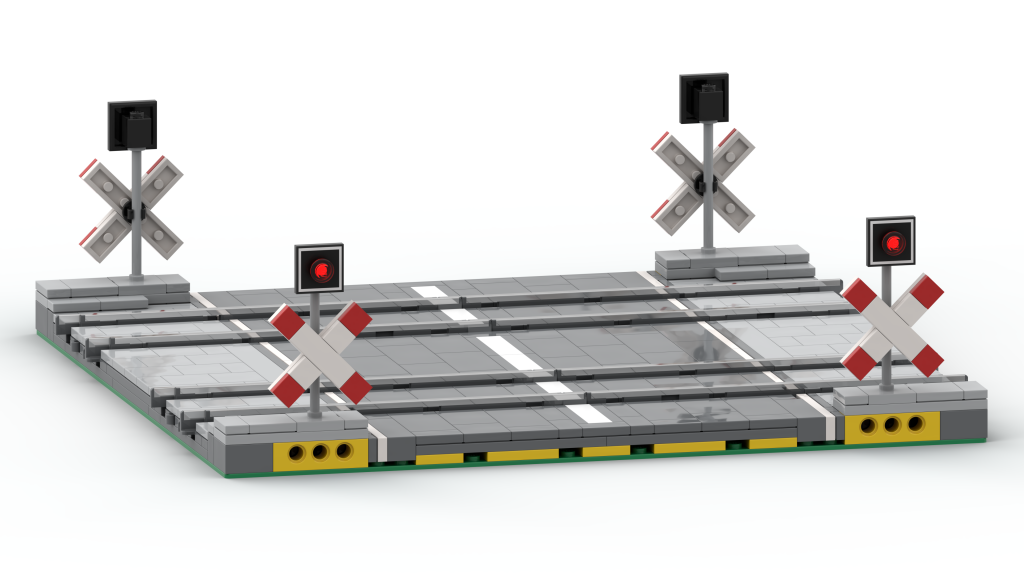
Level crossings with Trixbrix barriers and Trixbrix lights
This option uses Trixbrix barriers and lights. These non-LEGO parts can be bought at trixbrix.eu.
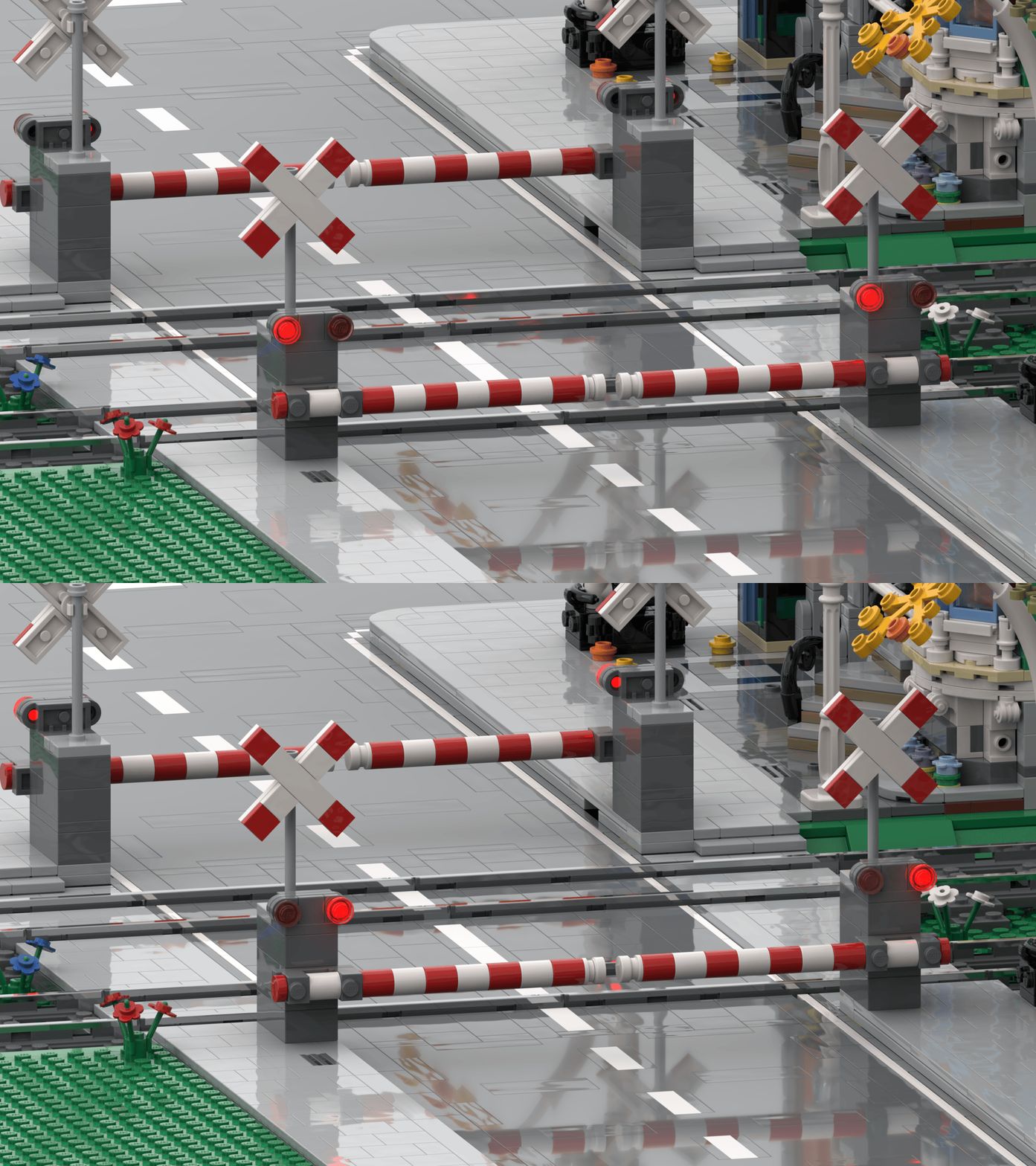
The Trixbrix lights have the advantage that they are ready to use, and do not require soldering and wiring.
Level crossings with Trixbrix barriers and custom lights
To give your level crossing the final polishing, you can replace the Trixbrix lights with your own custom lights. Depending on your country, this may make the design more realistic.
For Germany, you could then build your level crossing like this:
For custom lights, we recommend using SMD LEDs and laced copper wire.
Conductor controlled level crossings
Modern level crossing systems are often controlled using standard signals. If the level crossing is out of function, the signal leading into the level crossing will show red.
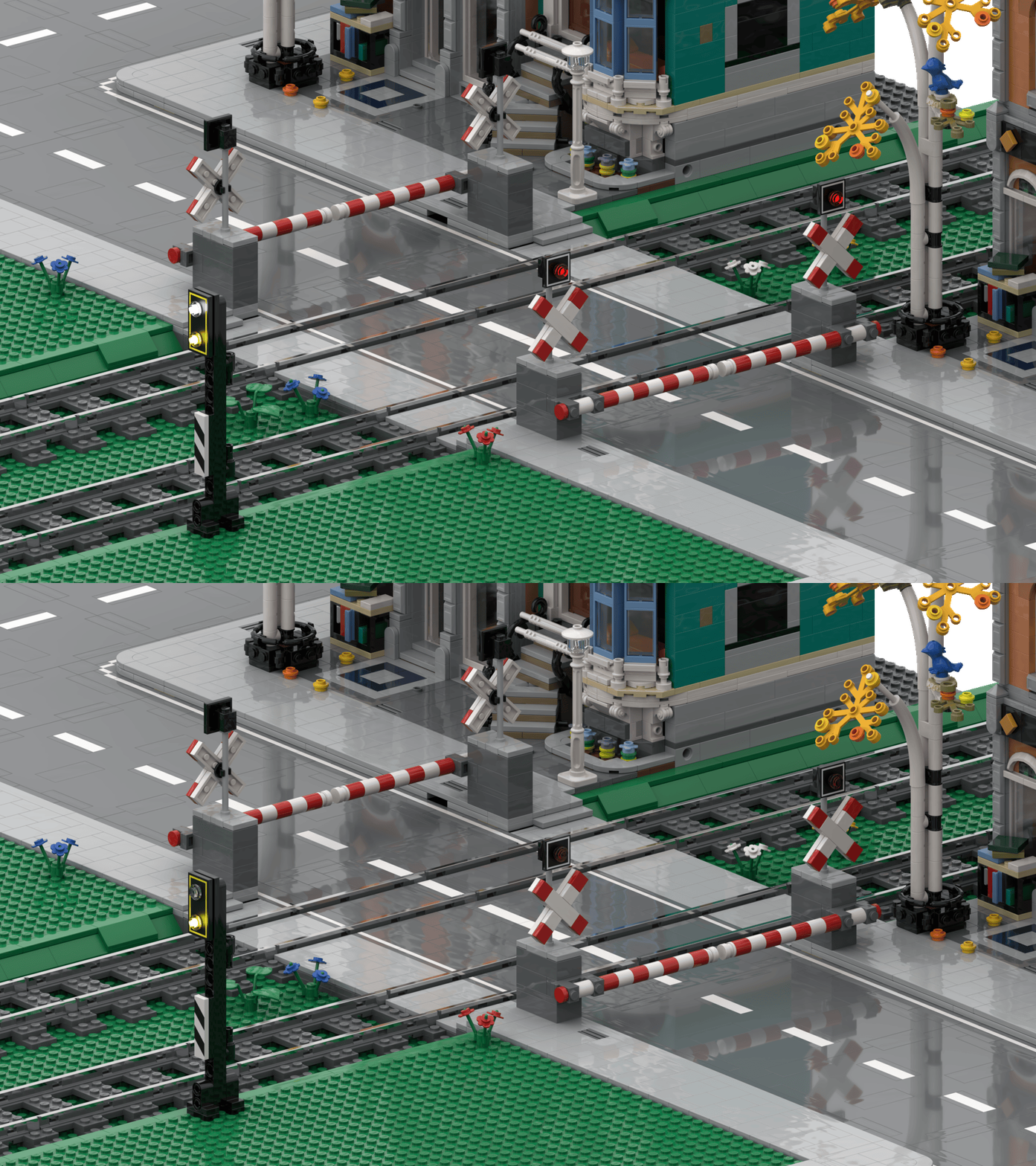
There are also so-called “conductor controlled” level crossings. While the route leading into the crossing will be free, there is a special signal in front of the level crossing that indicates of the level crossing is safe to cross (the lights blink and the barriers, if existing, are closed). If the signal indicates “unsafe”, the conductor must stop the train ahead of the level crossing.
This is an example of such a signal:
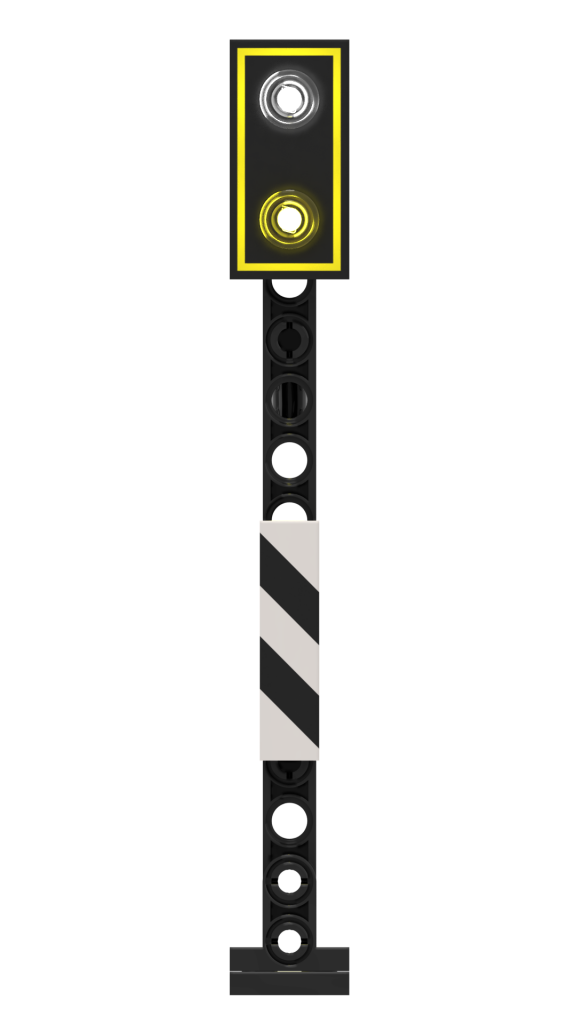
The whole assembly could look like this:
Sound
Level crossing sounds like ringing bells can be played back directly via Rocrail. Just place some PC speakers near the level crossing, select a sound file of your choice and configure the sound for the level crossing in Rocrail.
System integration
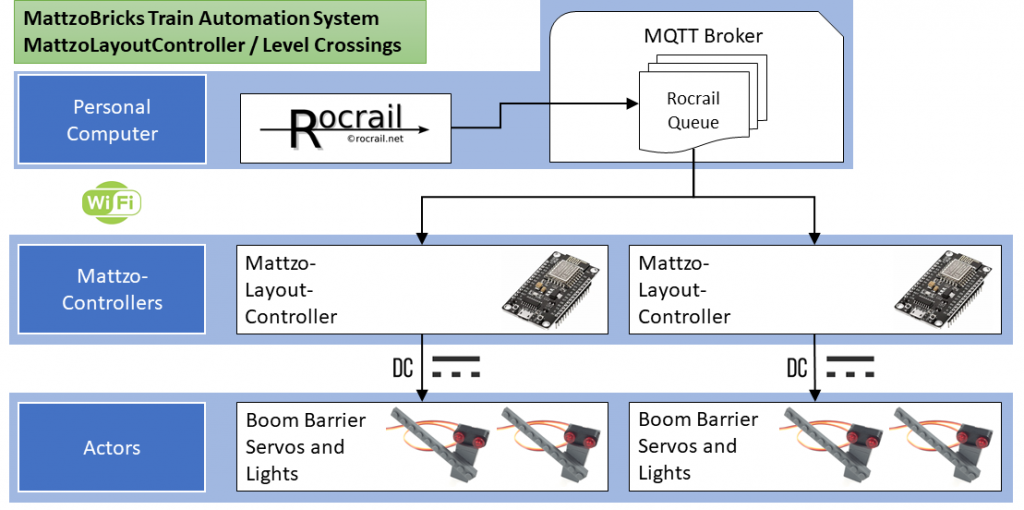
Level Crossings are integrated into the MattzoBricks Train Automation System as shown in the following diagram:
How to build it
Level Crossings are controlled with MattzoLayoutControllers. There is a special configuration option to use the MattzoLayoutController as a controller for level crossings.